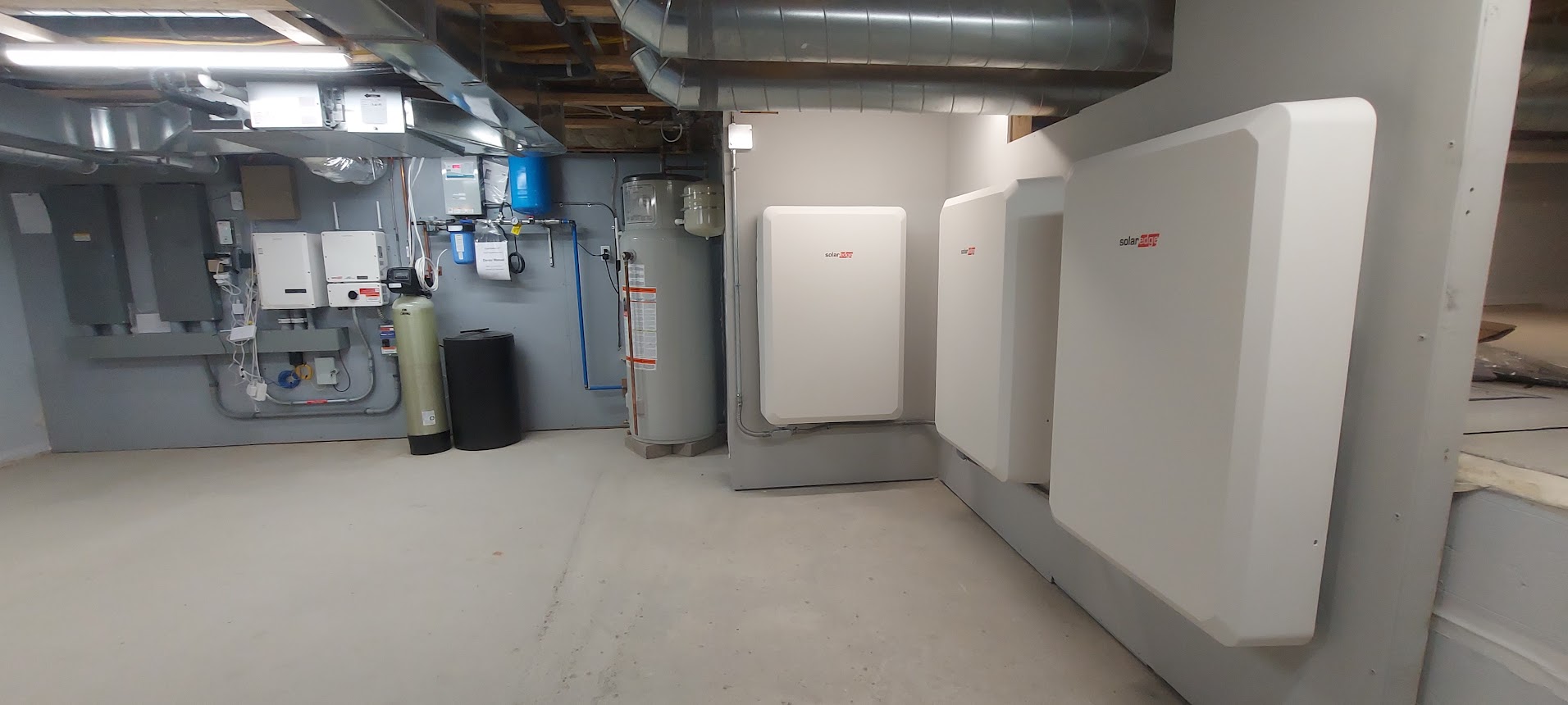
As we head into winter, the likelihood of power outages increases. Now is the best time to confirm your battery system is ready, before a real outage tests it.
Before the first storm:
1. Run a simulated outage test if you have not done one recently. This confirms your system transfers to backup as expected and refreshes your memory on how to monitor your loads and battery state of charge. Do it during daylight hours so you can also confirm the solar is able to recharge the battery.
2. Check your operating mode. If you are using “Self-Consumption Mode,” we recommend switching to “Emergency Backup Mode” or, at a minimum, increasing the reserve percentage in your battery settings. This helps ensure your battery can support critical loads through the overnight hours. If your system is enrolled in Green Mountain Power’s BYOD program, please do not change your operating mode or reserve settings, because the program restricts how the battery can be configured. Contact us first if you have concerns about your backup reserve. You should still complete the outage test and monitoring steps in this article.
3. Confirm your system is online. Open your monitoring app and make sure the system shows as connected and reporting. If it is not, check your internet or cellular connection now so you can monitor remotely during an outage. BYOD participants must keep their system connected to remain in the program.
During an outage:
- You may need to turn off large loads to make sure you have enough energy for your critical loads.
- Winter solar production is lower because of shorter days and weather. Snow-covered panels will not recharge the battery until the snow sheds, so plan your usage around the battery’s remaining charge. Please do not climb onto the roof or use tools on the array to clear snow.
Questions about your settings, or want help with an outage test? Call us at 802-859-3384 or email [email protected] and we can schedule a service visit.